

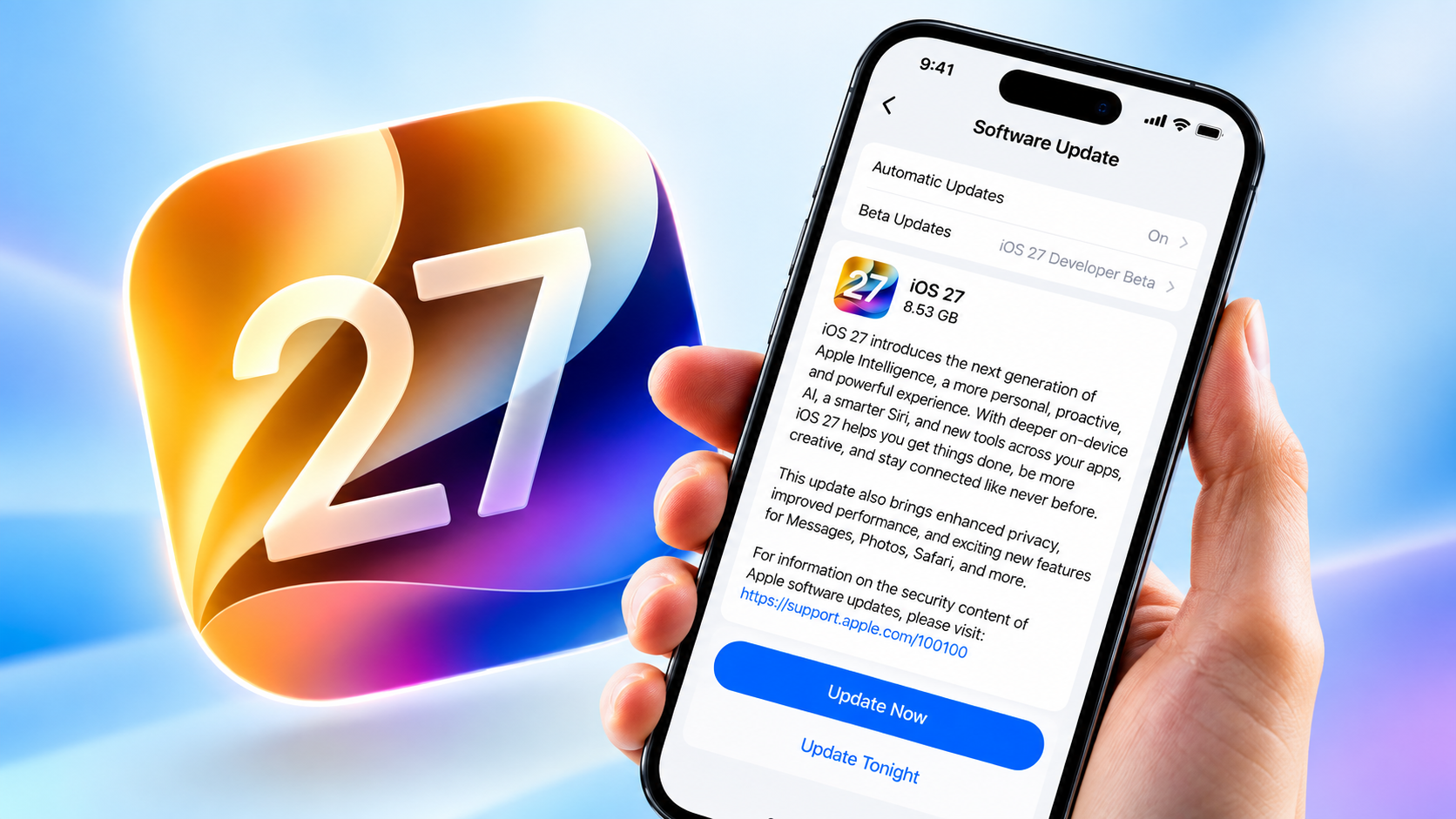
Apple iOS 27 new features are finally here, and this update is one of the most feature-packed releases in years. Released on September 14, 2026, for iPhone 11 and newer, iOS 27 brings a completely reimagined Siri, deeper Apple Intelligence integration, refined Liquid Glass controls, and a long list of quality-of-life improvements across the apps you use every day.
If you’re wondering what all the buzz is about, this guide breaks down every major apple iOS 27 new feature so you know exactly what’s changed — and why it matters for your iPhone.
What Are the Apple iOS 27 New Features?
iOS 27 is Apple’s latest operating system update for the iPhone, first announced at WWDC in June 2026 alongside iPadOS 27, macOS Golden Gate, watchOS 27, visionOS 27, and tvOS 27. After a summer of public beta testing, it launched to everyone on September 14, 2026, right before Apple’s newest iPhone lineup hit shelves, as confirmed on Apple’s official iOS page.
The update focuses on three big pillars: a smarter Siri, expanded Apple Intelligence features, and system-wide performance and usability improvements. It’s compatible with the same range of devices that supported iOS 26, so most users who upgraded last year will be able to install this one too. For the full list of supported devices and installation steps, see Apple’s official support page for iOS 27.
Siri AI: The Star of the Show
The single biggest change among the apple iOS 27 new features is the arrival of Siri AI — a ground-up rebuild of Apple’s voice assistant. This isn’t just a minor upgrade to the old Siri; it’s an entirely new architecture designed to be more conversational, more capable, and far more aware of your personal context.
Siri AI can now understand information across your messages, emails, photos, and other content on your device, which means it can answer questions that require pulling together details from multiple apps. It can also look at what’s currently on your screen and answer questions about it, and it taps into broader web knowledge to give you up-to-date answers instead of the canned responses Siri was once known for.
One of the most practical additions is the dedicated Siri app. Instead of Siri living only in the background, you now get a standalone app where you can start conversations, revisit past ones, and pick up right where you left off. Conversation history syncs privately across your Apple devices through iCloud, so a question you asked on your iPhone can be continued on your iPad or Mac.
There’s also a new Siri mode inside the Camera app that brings Visual Intelligence into the viewfinder, letting you point your camera at something and ask Siri about it in real time. For writing, Write with Siri — another standout among iOS 27’s new features — helps you draft and revise text directly inside Messages and Mail, adapting to your personal writing style rather than sounding generic.
It’s worth noting that some of the more advanced Siri capabilities, like custom Siri voices, are limited to newer hardware such as the iPhone 17 Pro, iPhone Air, and iPhone Duo, so not every feature will be available on older devices.
Apple Intelligence Expands Across Your Favorite Apps
Beyond Siri, Apple Intelligence has been woven more deeply into the apps you already rely on daily.
Safari Gets Smarter
Safari now organizes your open tabs into topics automatically, so browsing feels less cluttered. It can also monitor a webpage for changes through the improved Notify Me feature — useful for tracking a price drop or waiting for an item to come back in stock. Safari can even build simple browser extensions from natural-language descriptions, a feature that sounds small but could be genuinely useful for power users.
Photos: A Standout Among the Apple iOS 27 New Features
Photos gets some of the most visible upgrades in this release. A new Spatial Reframing tool lets you adjust a photo’s composition as if you had repositioned the camera after the fact. The Extend feature can expand an image beyond its original edges, filling in the extra space intelligently.
Clean Up, the tool for removing unwanted objects from photos, has also been significantly improved to handle larger objects more convincingly. On top of that, Image Playground now supports more realistic, photorealistic image-generation styles.
Messages, Mail, and Calendar Understand Context
These apps can now understand what you’re describing and take action accordingly — for example, you can describe an event in natural language inside Calendar and have it created automatically, without manually filling in every field.
Phone and Home Get AI Upgrades Too
The Phone app introduces Call Context, which can understand what’s being discussed on a call and surface relevant information in real time, such as a confirmation code someone mentions. Even the Home app has picked up AI-driven upgrades, including activity notifications and the ability to search through camera clips using natural language — making it easier to find a specific moment from your security footage without scrubbing through hours of video.
Liquid Glass Gets More Personal
When Apple introduced the Liquid Glass design language in iOS 26, it was a dramatic visual shift. iOS 27 doesn’t replace that design but refines it based on user feedback.
One of the most personal apple iOS 27 new features is a new slider in Settings that lets you adjust Liquid Glass anywhere from fully clear to fully tinted, giving you real control over how transparent the interface feels. Apple has also improved readability and contrast throughout the system, and refined how app icons and other UI elements appear, so the overall look feels more polished and less experimental than it did at launch.
Performance Improvements You’ll Actually Notice
Apple has put real effort into making iOS 27 feel faster, and reviewers have confirmed the difference is noticeable.
According to Apple’s own testing, some everyday actions have gotten dramatically quicker — camera app launch times reportedly dropped from around 0.98 seconds in iOS 26 to just 0.65 seconds in iOS 27, and Maps launch times improved from roughly 3.01 seconds to 1.36 seconds.
Beyond raw speed, the whole system feels smoother, with more fluid animations during app transitions, unlocking, and when navigating Control Center. AirDrop transfers are faster, new photos load into your library more quickly, and search across Spotlight, Mail, and Photos returns more relevant, comprehensive results than before. Apple has also introduced Connectivity Assist, which enables smoother handoffs between Wi-Fi and cellular networks so you’re less likely to notice a dropped connection when moving between them.
Stronger Parental Controls and Child Safety
For families, iOS 27 brings a redesigned Screen Time interface paired with new child-safety controls. These child-safety-focused apple iOS 27 new features give parents far more granular control than before.
Parents can now set time allowances across specific app categories — like entertainment, games, and social media — rather than applying blanket restrictions. Apple has also improved the setup experience for creating a child’s account and strengthened communication safety protections, making it easier for parents to build an appropriate digital environment for younger users without needing to dig through complicated settings menus.
More Apple iOS 27 New Features Worth Knowing About
iOS 27 also includes a collection of smaller but genuinely useful changes:
- Accessibility: An improved Magnifier, expanded options for creating Genmoji, and more advanced Voice Control features.
- AirPods: Support for Custom EQ, letting you fine-tune audio output to your preference.
- Health app: New support for tracking perimenopause and menopause within Cycle Tracking.
- Alarms and Timers: Independent volume controls, separate from your general system volume.
- iCloud Shared Albums: Enhancements that make collaborative photo sharing smoother.
- Wallet and Passwords: Quality-of-life refinements that make everyday tasks like checking passes or managing saved logins a bit easier.
It’s also worth mentioning that some of the more resource-intensive Apple Intelligence features, like image generation, come with daily usage limits on standard accounts, as noted in Apple’s official iOS 27 feature overview. Higher usage caps are reserved for paid iCloud+ subscribers, though notably this benefit excludes those on the entry-level 50GB storage tier.
Should You Update to iOS 27?
If you’re weighing whether the apple iOS 27 new features are worth the update, here’s the short answer: yes, for most users. The performance gains alone make everyday use feel noticeably snappier, and the improvements to Siri and Apple Intelligence genuinely change how useful your iPhone feels day to day rather than being surface-level additions.
Families will appreciate the more thoughtful parental controls, and anyone who found Liquid Glass overwhelming in iOS 26 now has the tools to tone it down.
As with any major software update, it’s a good idea to back up your iPhone before installing, especially if you rely on it heavily for work. But for most users, the combination of a smarter Siri, deeper Apple Intelligence features, and real performance improvements makes iOS 27 one of the more worthwhile updates Apple has shipped in recent memory.
Final Thoughts on the Apple iOS 27 New Features
The apple iOS 27 new features mark a genuine turning point for how AI integrates into the iPhone experience. Siri AI alone reshapes how you interact with your device, while the quieter improvements across Photos, Safari, Messages, and system performance add up to a release that feels thoughtful rather than gimmicky.
Whether you’re most excited about a smarter assistant, sharper photo editing tools, or simply a faster iPhone, iOS 27 has something worth updating for.